Drop your video in
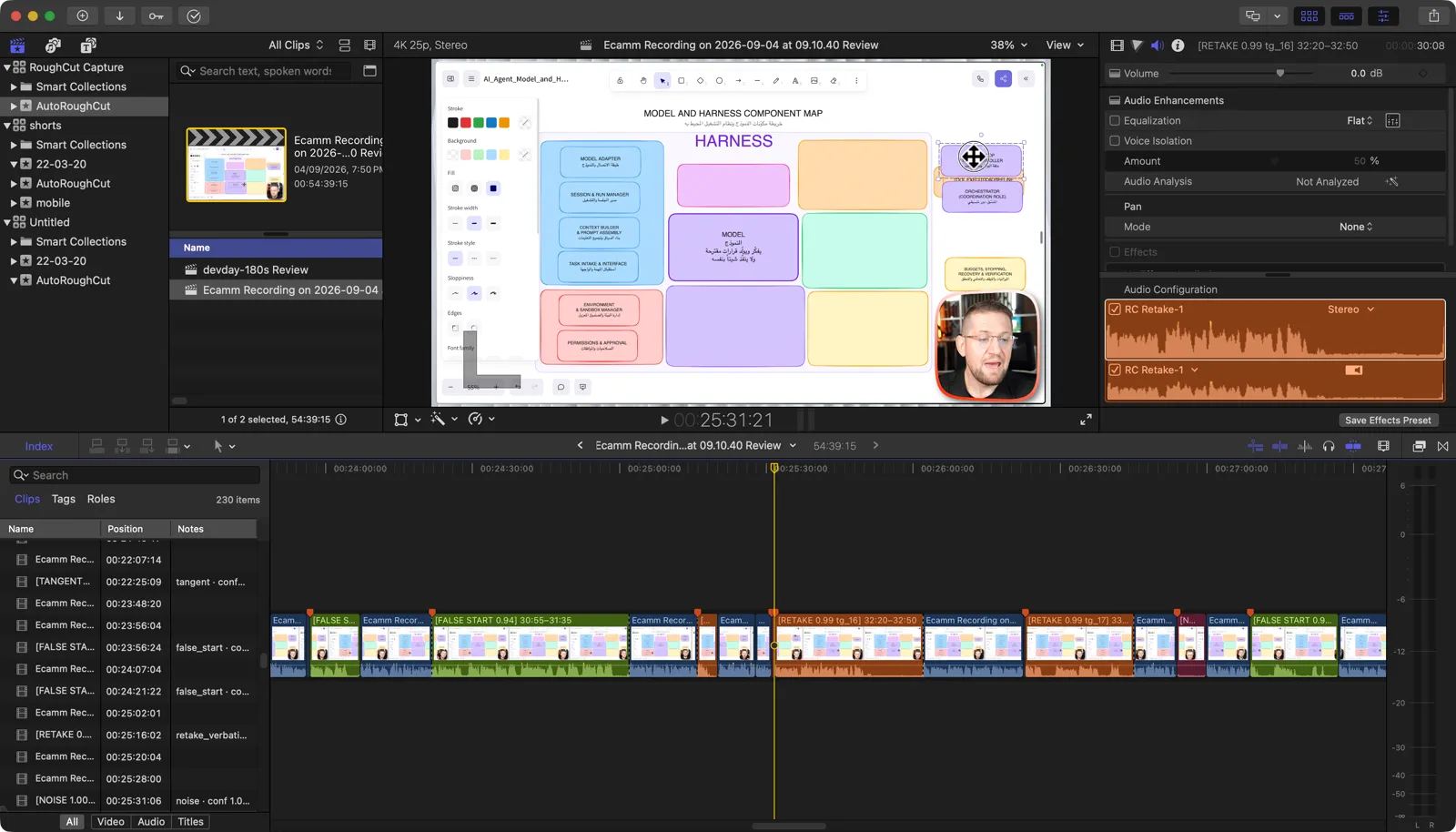
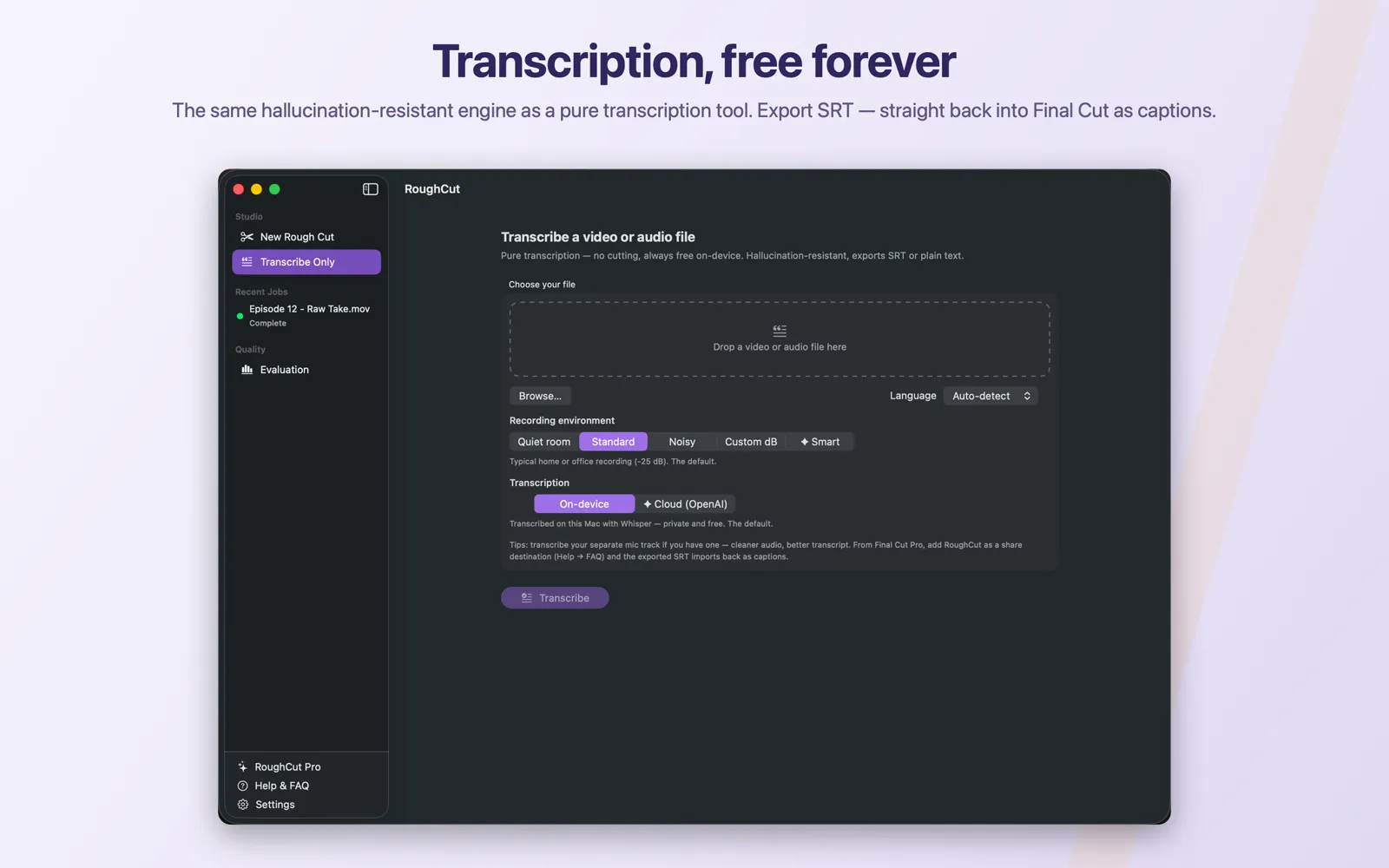
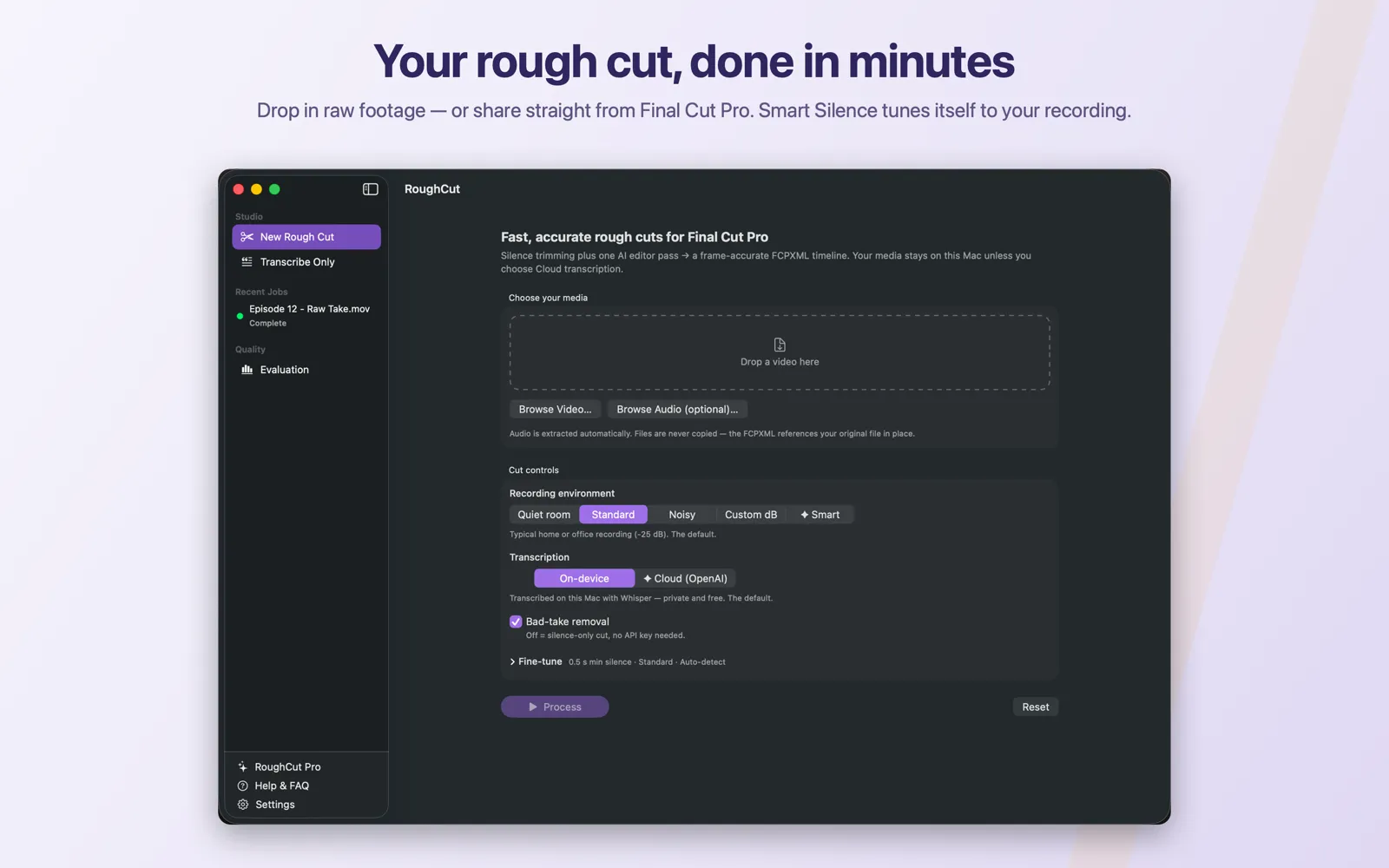
Drag a raw talking-head take into the studio — or share it straight from Final Cut Pro. Transcription runs locally on your Mac, and Smart Silence tunes itself to your room.
Native macOS · Built for Final Cut Pro
RoughCut watches your raw talking-head footage, cuts like an editor would, and hands Final Cut Pro a frame-accurate timeline. You review every decision. Your footage never leaves your Mac.
// currently in App Store review — launching shortly
How it works
One pass, three steps. No timeline scrubbing, no manual silence hunting, no re-rendering your media.
Drag a raw talking-head take into the studio — or share it straight from Final Cut Pro. Transcription runs locally on your Mac, and Smart Silence tunes itself to your room.
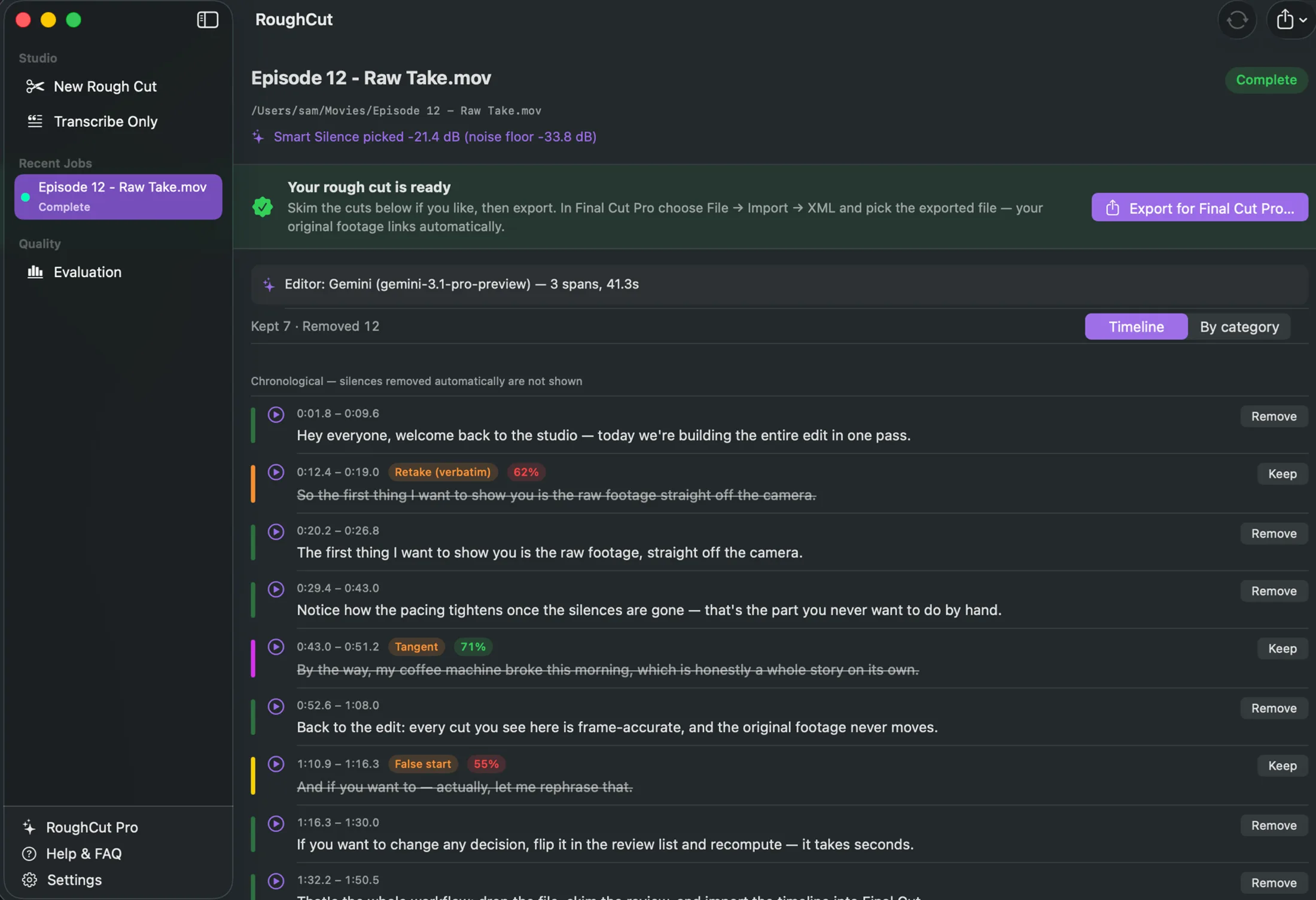
An AI editing pass marks what a human editor would remove — flubbed takes, restarts, tangents, dead air — and keeps your last clean take. Flip any decision and recompute in seconds.
One click exports a frame-accurate FCPXML timeline linked to your original
media in place. Open it in Final Cut Pro — or DaVinci Resolve or Premiere Pro — and finish your edit.
Features
Speech-to-text runs entirely on your Mac. No accounts, no analytics, no developer servers — your video and audio never leave the machine. Read the privacy policy.
One global AI pass reads the whole transcript the way an editor watches a take — so retakes, false starts and tangents go, and your last clean delivery stays.
Cuts are quantized to your footage's real frame boundaries. The exported timeline references your original files in place — nothing is copied, converted or re-rendered.
Every cut is a proposal on one timeline: listen to any segment, flip any Keep/Remove decision, and recompute the whole cut instantly.
Both languages with automatic detection — including dialect-aware handling built from hundreds of real bilingual takes.
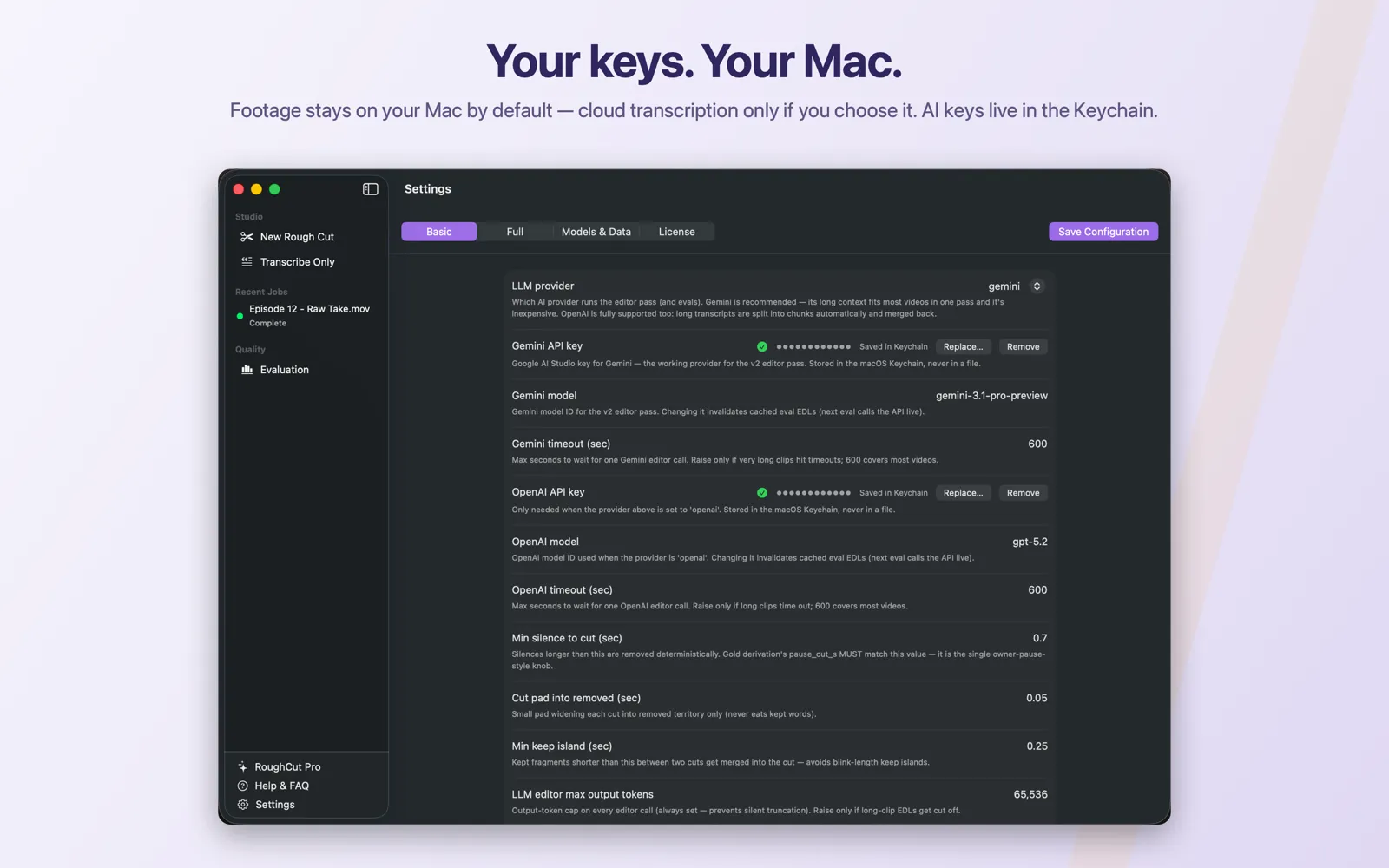
The AI pass uses your own Google Gemini key, stored in the macOS Keychain and billed by Google directly — typically 5–25¢ per 10-minute video. No key? Silence-only cutting still works.
Screenshots
Pricing
5 cuts free.
Then one purchase, ever.
Try RoughCut on your own footage — your first five rough cuts are free. After that it's a single one-time unlock on the Mac App Store. No subscription, no per-video charges, no accounts.
FAQ
Yes. RoughCut detects and removes silences automatically, and Smart Silence tunes the threshold to your actual recording — quiet room, standard, noisy, or a custom dB floor. With an AI key added it goes further and removes false starts, retakes and tangents, keeping your last clean take.
It's built for Final Cut Pro. The export is a frame-accurate FCPXML timeline that links to your original media in place — nothing is re-rendered, and your footage never moves. The same FCPXML also imports into DaVinci Resolve and Adobe Premiere Pro.
No. Video and audio never leave your Mac — transcription runs locally on Apple Silicon. Only transcript text is sent to the AI provider you configure, under your own account. There are no user accounts, no analytics and no developer servers. Details in the privacy policy.
Google bills your own Gemini key directly — a 10-minute video typically costs 5–25¢, and light use often fits Google's free tier. RoughCut itself never charges per use: it's a one-time purchase after 5 free cuts. Without a key, silence-only cutting works fully offline.
English and Arabic, with automatic language detection.
Apple Silicon (M1 or later), macOS 26 or newer, and about 2 GB of free disk space for the one-time local speech model download (~1.6 GB, removed with the app).
The support page covers getting started, keys and troubleshooting — and RoughCut's built-in Help & FAQ section walks through every feature in depth.